Trigger a Task from an Issue
Create a task from any GitHub issue:
| Trigger | What Happens |
|---|
Mention @twill in issue body or comment | Creates task, Twill posts a plan for approval |
Add a twill label | Same as above |
Twill reacts with 👀 to confirm it saw your mention.
Approve the Plan
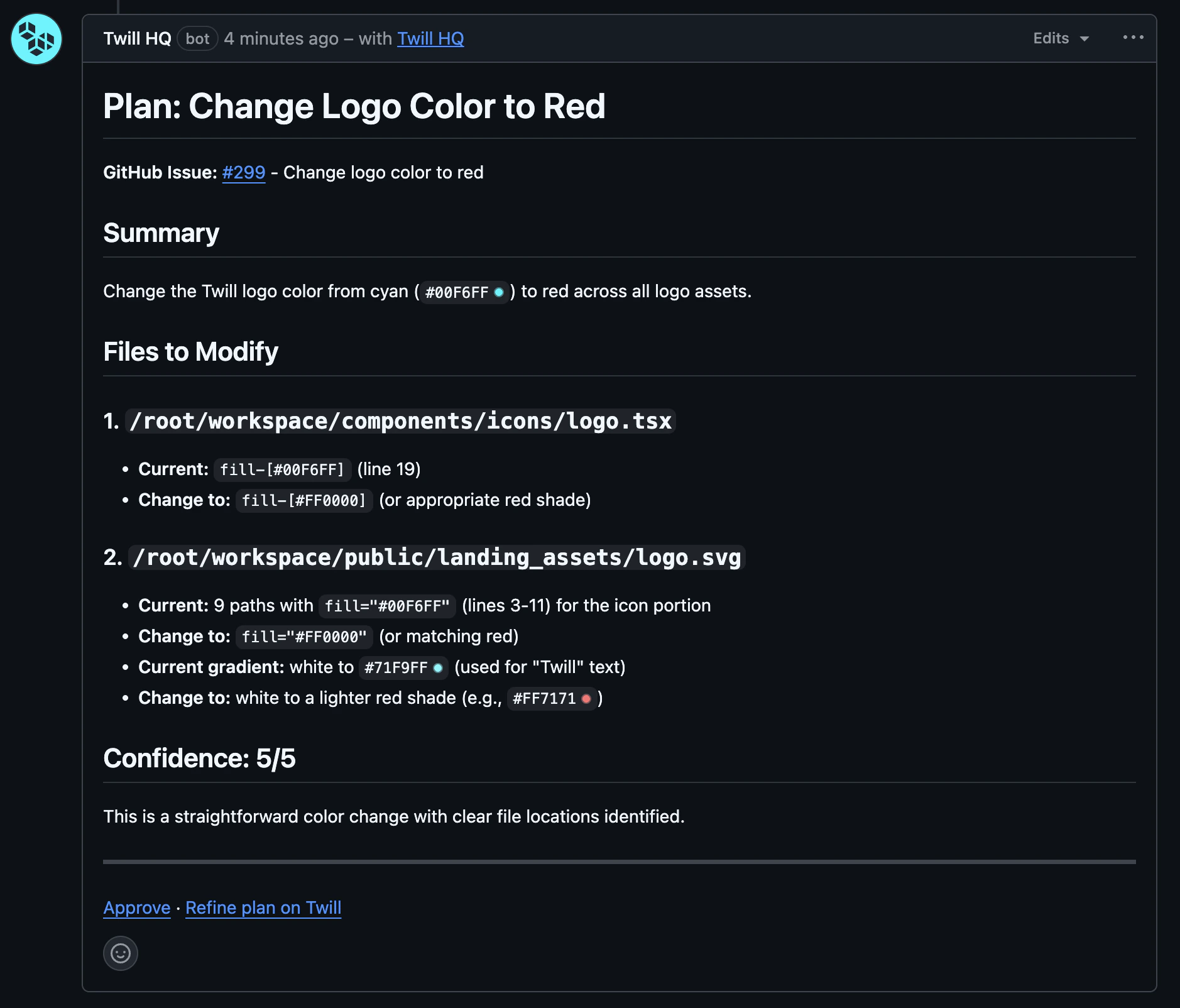
After analyzing your issue, Twill posts a comment with the implementation plan and an approval link.
Want changes? Reply to the issue with feedback—Twill will revise the plan.
Ready? Click the approval link. Twill implements the changes and opens a PR.
Plans can auto-approve based on your agent configuration. Set
it to Always or Confidence-based to skip manual approval.
Work on Any Pull Request
Mention @twill in any pull request to get help:
| Location | What Happens |
|---|
| PR conversation comment | Creates a task linked to the PR branch, Twill analyzes and responds |
| Code review thread | Same as above (batches multiple mentions) |
This works on any PR—not just PRs created by Twill. Twill will:
- React with 👀 to confirm
- Create a task if one doesn’t exist (using the PR’s branch)
- Analyze the PR and address your request
Address PR Feedback
Mention @twill in any unresolved code review thread. Twill will:
- React with 👀
- Wait ~2 minutes to batch multiple comments
- Address all unresolved threads mentioning
@twill
Only unresolved review threads are processed. Resolved or outdated threads are
ignored.
Auto-Complete
When a PR with an associated Twill task is merged, the task automatically moves to Completed.