

twill label in your Linear workspace and appears as an assignable teammate.
Delegate an issue
Two ways, both equivalent:- Add the
twilllabel to an issue - Assign the issue to Twill
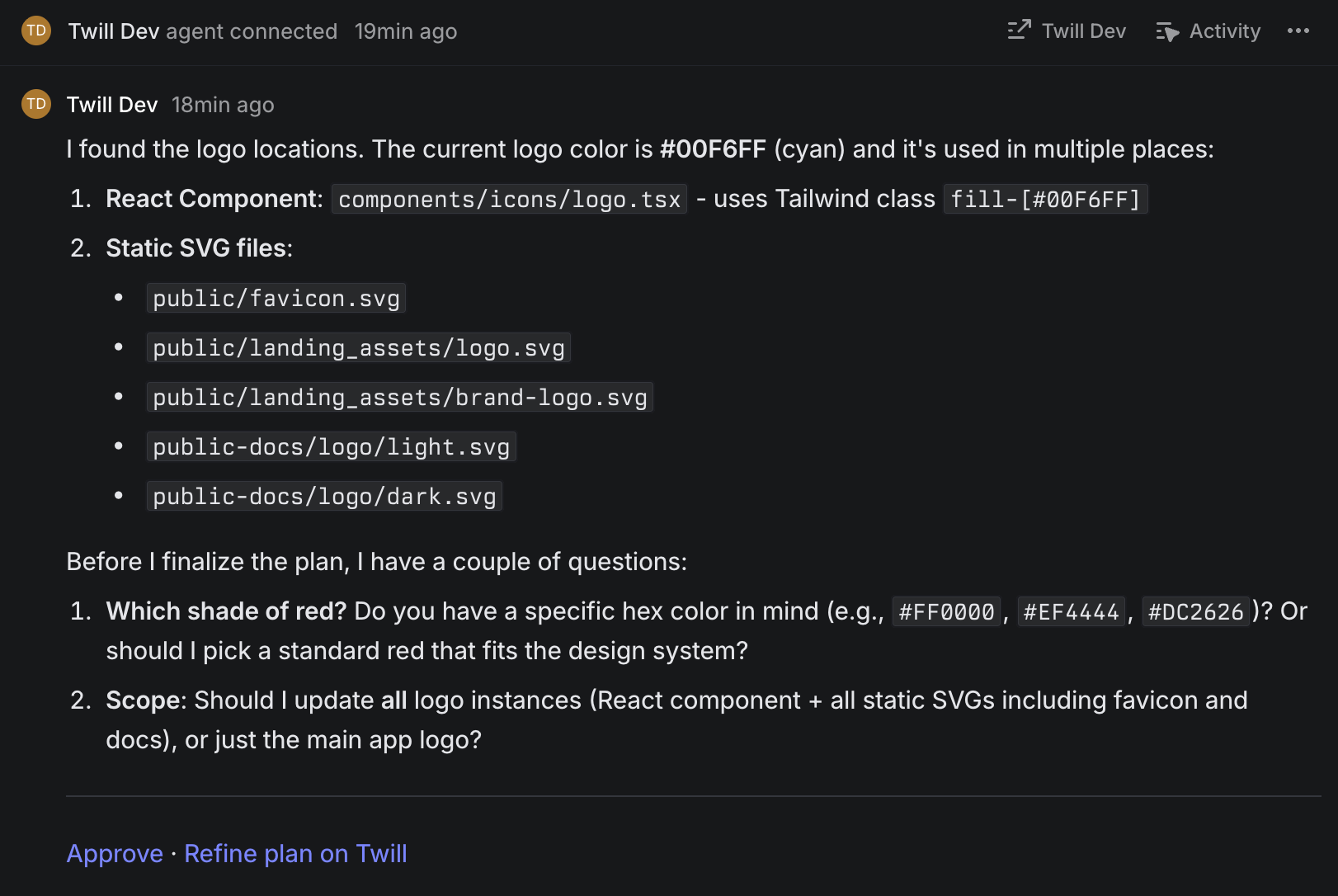
Plans and routing
To select a model, add a label matching a routing config trigger, such asultra. Labels select the configured agent, effort, and instructions; a label named plan does not itself enable native planning.
For a plan-first workflow, open the Twill task and use /plan there. Review and approve plans in the task chat. You can stop a run from the task or Linear’s stop control.