

Start a task
Mention the bot with your request: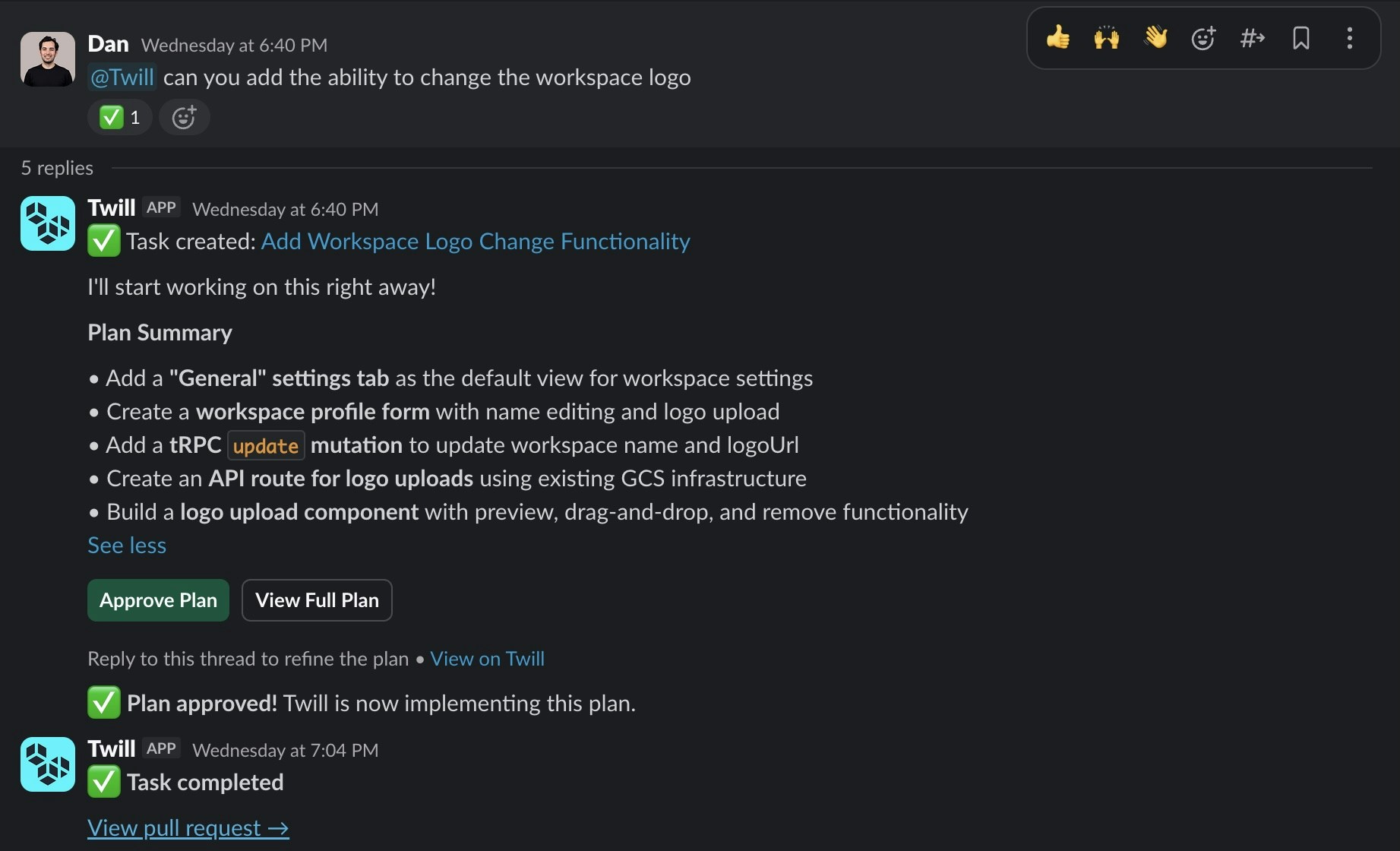
@twill mention to follow up — the thread is the task’s memory.
Start the request with a /trigger like /ultra to pick the harness and model via your routing configs. Start it with /plan to have the agent plan first — the plan is approved from the task chat in the web app. See Commands.
Twill reads only the thread where it’s mentioned — not the whole channel.
Who can use it
Tasks run with your Twill workspace’s repositories and secrets, so only full members of the Slack workspace where Twill is installed (and that workspace’s bots, such as Workflow Builder) can start or follow up on a task. Guests and people from other organizations in Slack Connect channels get a short reply explaining that Twill can’t take their request.Attachments
Files in the triggering message (and thread history) are passed to the agent:- Images: PNG, JPEG, GIF, WebP
- Text: plain text, Markdown
- Data: JSON, YAML