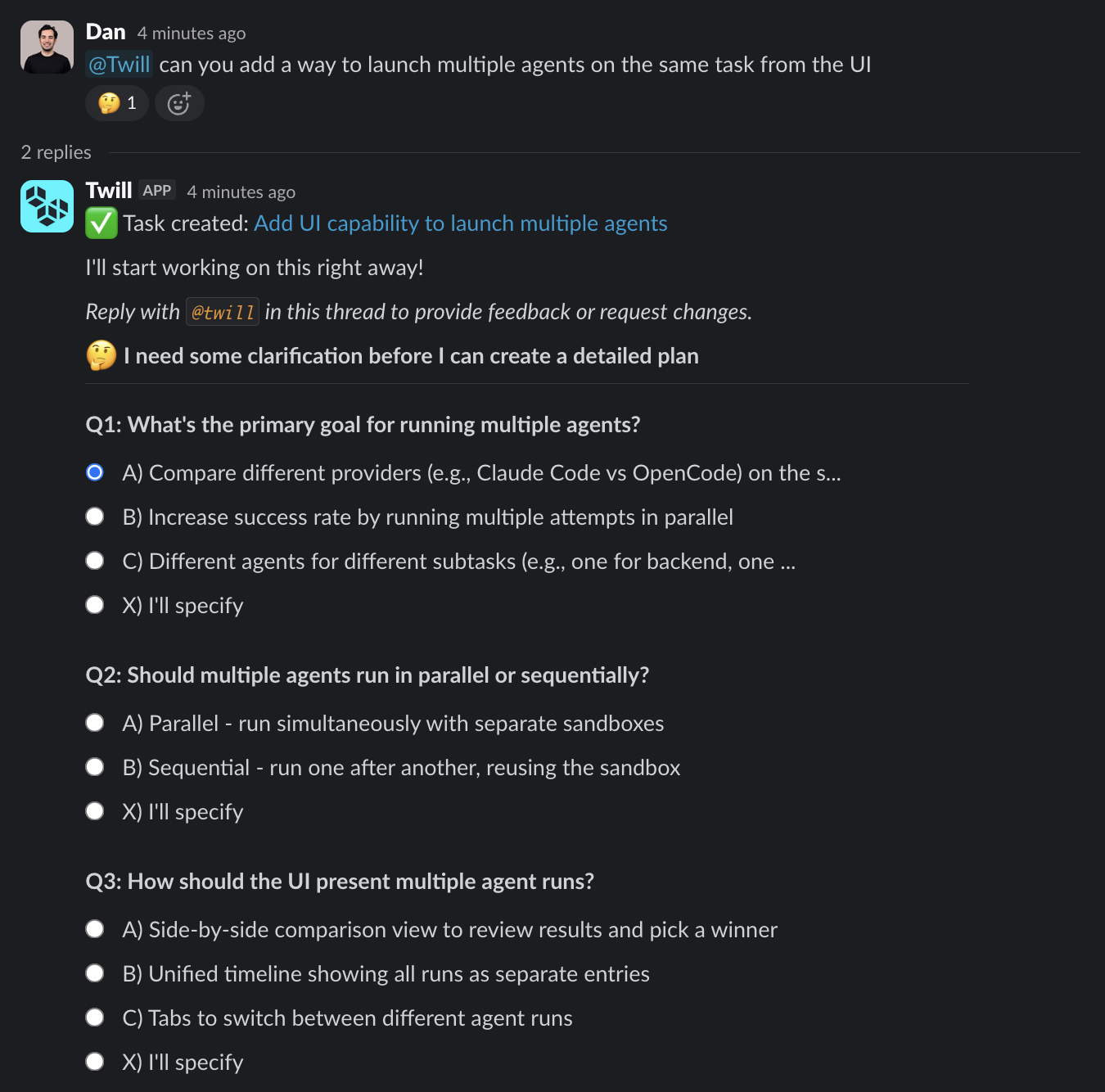
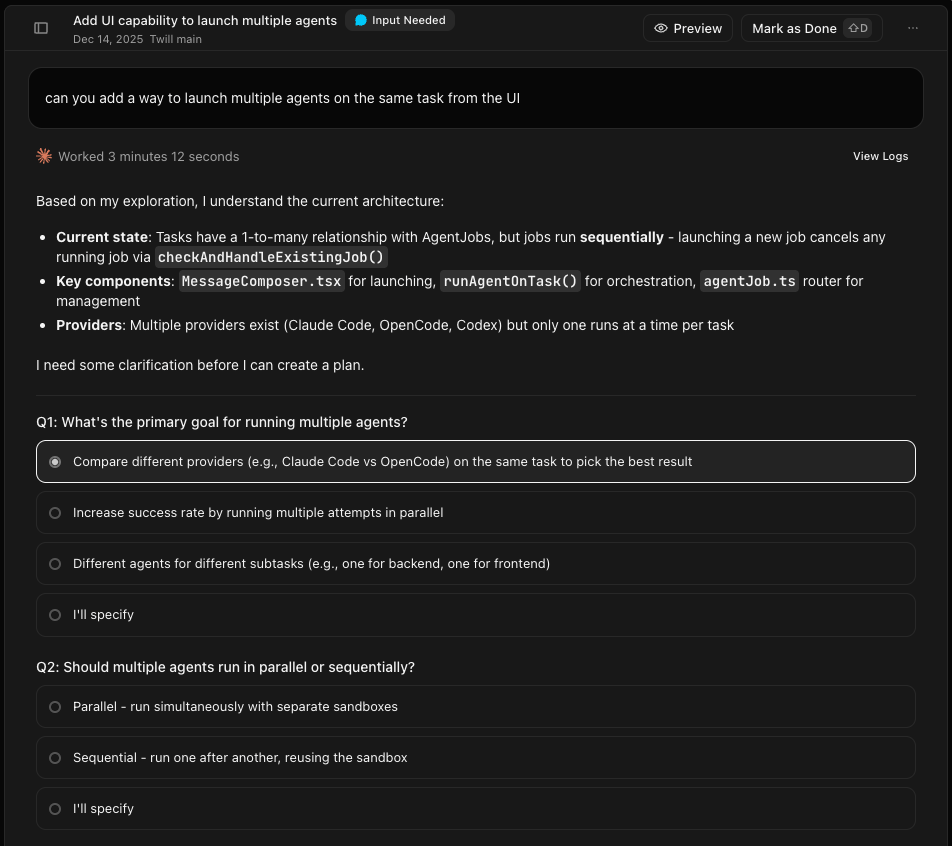
You can talk to Twill from the tools you already use. The important part is that follow-ups stay attached to the same thread (issue/PR/ticket/comment thread), so you can iterate without re-explaining context.Documentation Index
Fetch the complete documentation index at: https://docs.twill.ai/llms.txt
Use this file to discover all available pages before exploring further.
Where you can use Twill
- GitHub: issues, pull requests, and review threads
- Linear: issues
- Notion: comments
- Slack: mentions (
@twill) - CLI: run tasks directly from your terminal
- Sentry: error and issue events
- AWS: read-only access to cloud resources (logs, infrastructure)
- Web app: task creation plus logs, previews, and artifacts
What you can do from integrations
Different tools support different triggers, but the workflow is consistent: you create a task, answer questions if needed, and Twill opens a PR for review. You can also use Ask mode to get answers about your codebase without triggering any code changes.CLI
Install Twill CLI and run tasks directly from your terminal.
GitHub
Create tasks from issues, PR comments, and review threads.
Slack
Create tasks by mentioning
@twill in a channel or thread.Linear
Create tasks by adding the
twill label or assigning Twill.Notion
Create tasks from comments and keep the plan/approval in the thread.
Sentry
Investigate Sentry error events and propose fixes.
What shows up where
- Plans and questions are posted back to the thread that triggered the task
- Implementation happens in a sandbox environment
- Pull requests are created in GitHub with a summary and proof-of-work when available, including logs, screenshots, or videos
How to follow up
Reply in the same thread and mention@twill again. Twill treats it as a continuation of the same task.
Examples of clarifying questions: