

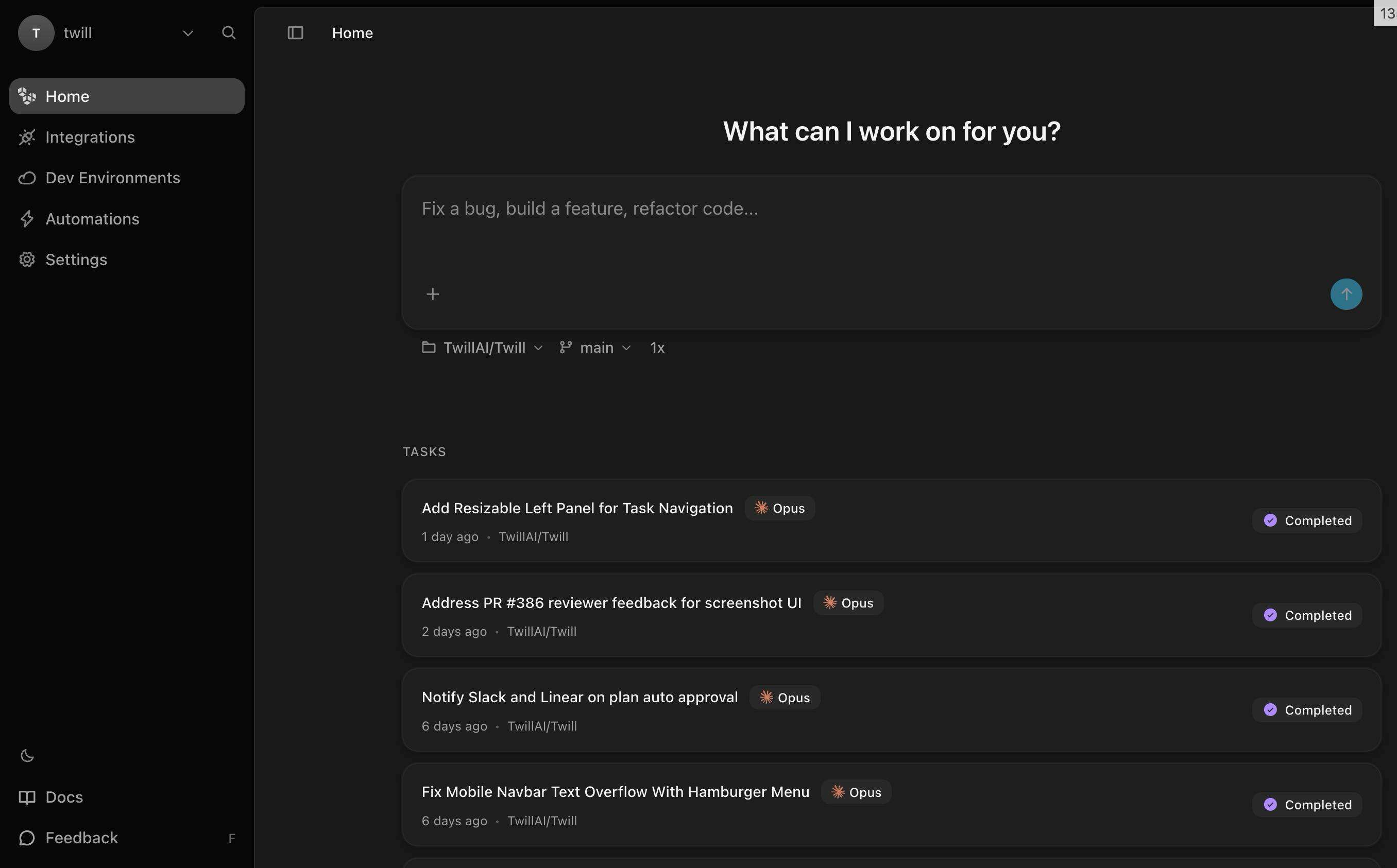
Best matches for Twill
Twill works best when it can run your full development environment and verify changes mechanically:- Monorepos: A single sandbox run can bring up your whole repo (multiple packages + services) and execute repo-wide checks.
- Web apps: Twill can smoke test UI changes with browser automation, including screenshots and short screen recordings, alongside your normal build/test/lint steps.
- Desktop apps: For Tauri, Electron, and React Native, Twill can run smoke checks via computer-use style UI interaction (click/type/screenshot) when the app is runnable in the sandbox.
What happens when you create a task
At a high level, every task follows the same shape:- You describe what should change (from GitHub, Slack, Linear, Notion, or the web app)
- Twill asks questions when needed (or you can request a plan)
- Implementation happens in a sandbox environment
- Twill runs verification (build/tests/lint when applicable)
- Twill opens a pull request with a summary and artifacts (logs, screenshots, videos, previews depending on your repo)
What you get back
- A pull request with proposed changes
- Verification output (when applicable for your repo)
- Proof-of-work artifacts when available (for example, screenshots or recorded walkthroughs for UI changes)
How you stay in control
- Work is delivered as a pull request for human review (nothing merges automatically)
- Code runs in isolated sandboxes, not on your infrastructure
- Verification runs mechanically (tests/build/lint) and results are attached to the PR when available
Where to interact
You can trigger tasks and follow up from the tools you already use. Follow-ups stay attached to the same thread (issue/PR/ticket/comment) so you can iterate without re-explaining context. See Interact with Twill.Use with your local coding agent
If you already use a coding agent locally (Claude Code, Cursor, Windsurf), you can delegate implementation to Twill directly from your terminal. Brainstorm and write specs locally where it’s fast, then hand off to Twill for the parts local agents can’t do — full environment builds, integration tests, browser-driven UI validation, and live previews. You get back a PR with proof: test output, screenshots or videos, and logs. See Twill Agent Skill.Next step
Quickstart
Connect GitHub and create your first task
Interact with Twill
Where plans, questions, and follow-ups appear