

Create automations that run on a cron schedule. Each run spins up an orchestrator agent that gathers context from your integrations, decides what work needs doing, and spawns coding tasks.Documentation Index
Fetch the complete documentation index at: https://docs.twill.ai/llms.txt
Use this file to discover all available pages before exploring further.
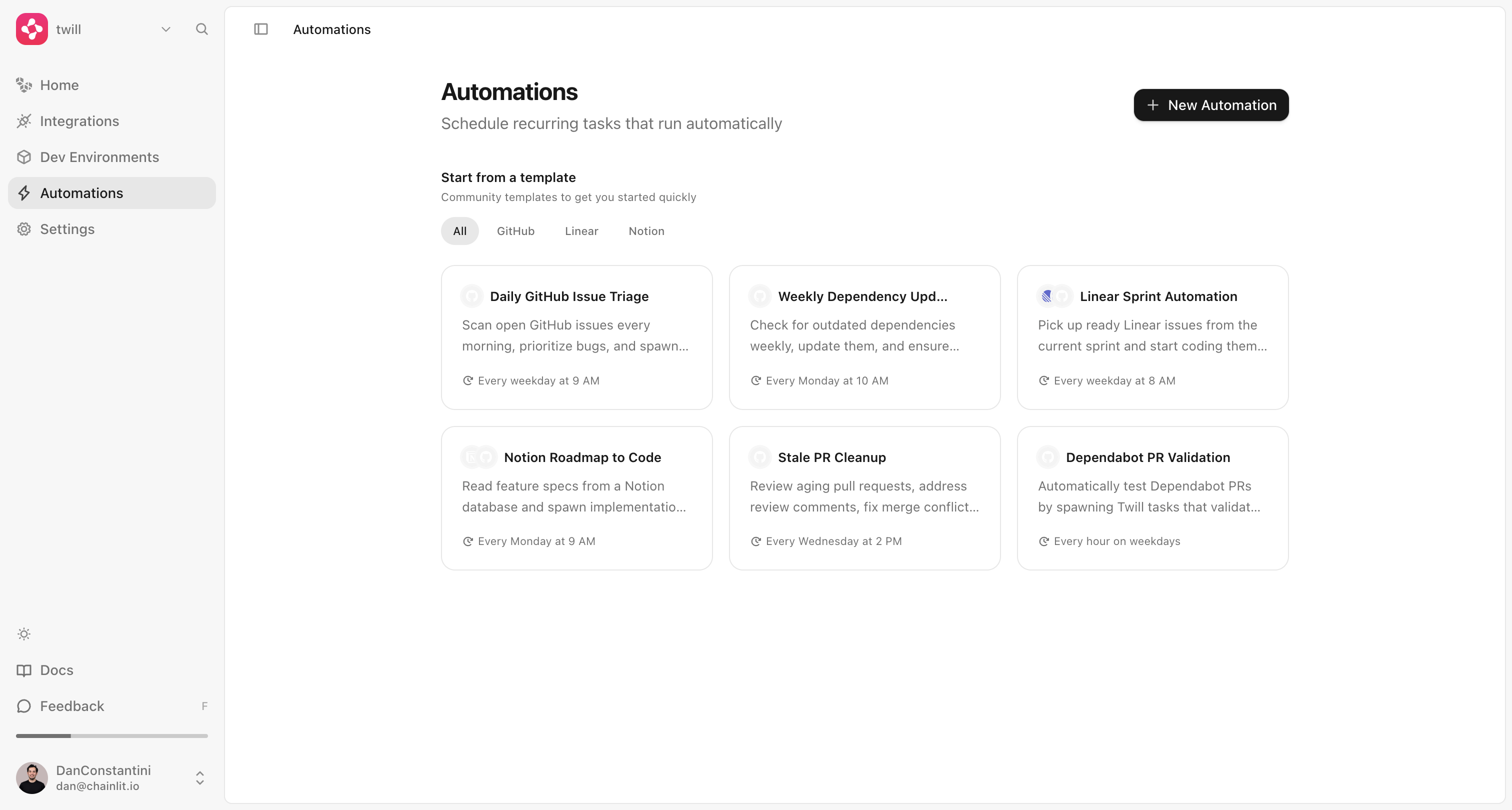
Creating an Automation
Open the Automations page
Navigate to Automations in the sidebar. Start from scratch or pick a template.
Write instructions
Describe what the agent should do on each run. Be specific about which data
sources to check, what criteria to use, and what action to take.
Select an agent
Choose the coding agent (Claude Code, Codex, or OpenCode). The agent picks the
repo at runtime from your workspace’s connected repos.
Managing Automations
- Toggle on/off with the switch
- Force trigger for immediate execution
- Edit instructions or schedule
- Delete when no longer needed
Templates
| Template | Schedule | Description |
|---|---|---|
| Daily GitHub Issue Triage | Weekdays at 9 AM | Scan open issues, prioritize bugs, spawn fix tasks |
| Weekly Dependency Updates | Mondays at 10 AM | Check for outdated dependencies, update and test |
| Linear Sprint Automation | Weekdays at 8 AM | Pick up ready Linear issues and start coding |
| Notion Roadmap to Code | Mondays at 9 AM | Read feature specs from Notion, spawn implementation tasks |
| Stale PR Cleanup | Wednesdays at 2 PM | Address review comments, fix merge conflicts |
| Dependabot PR Validation | Every hour on weekdays | Test Dependabot PRs and post proof of work |
Cron Expression Reference
| Expression | Meaning |
|---|---|
0 * * * * | Every hour |
0 */6 * * * | Every 6 hours |
0 0 * * * | Every day at midnight |
0 9 * * * | Every day at 9 AM |
0 9 * * 1 | Every Monday at 9 AM |
0 9 * * 1-5 | Every weekday at 9 AM |
0 9 1 * * | First day of each month at 9 AM |