

The Twill web app is the most direct way to create and manage tasks.Documentation Index
Fetch the complete documentation index at: https://docs.twill.ai/llms.txt
Use this file to discover all available pages before exploring further.
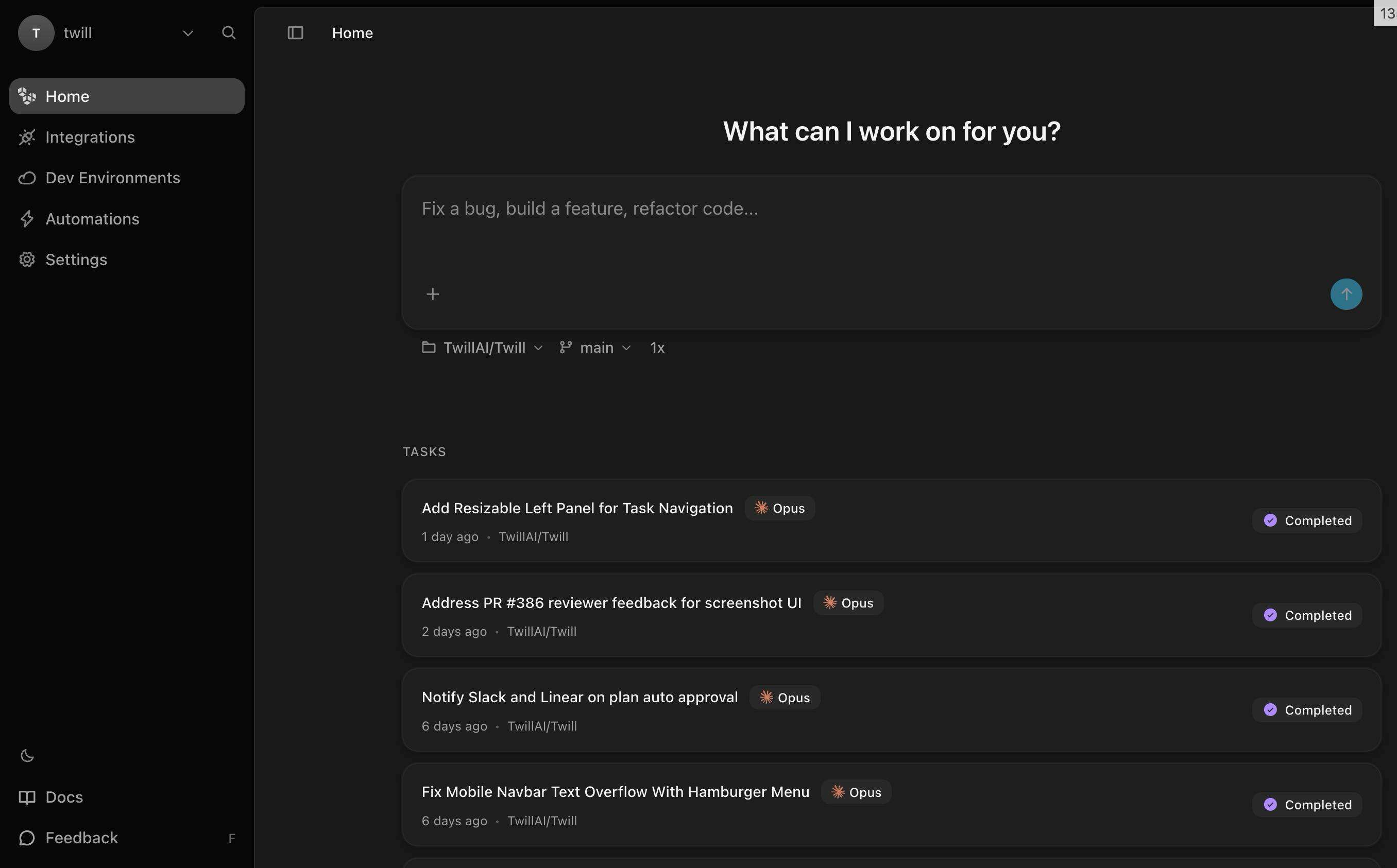
Creating a Task
From the Home page, type your instructions in the input field. Select an agent, then send. Twill starts working immediately — you can follow the agent’s progress in real time, including logs, file changes, and sandbox output.Task Options
- Mode — Choose between Agent (autonomous implementation), Plan (research and planning before coding), Dev Env (set up or fix the dev environment across repos), Ask (read-only codebase Q&A — no PR, no file changes), or Schedule (create several tasks at once from a single prompt)
- Agent — Select which coding agent to use (Claude Code, Codex, OpenCode)
- Attachments — Attach files for additional context